Shutting Down the Robot
Step 1: Choose Robot Shutdown Method
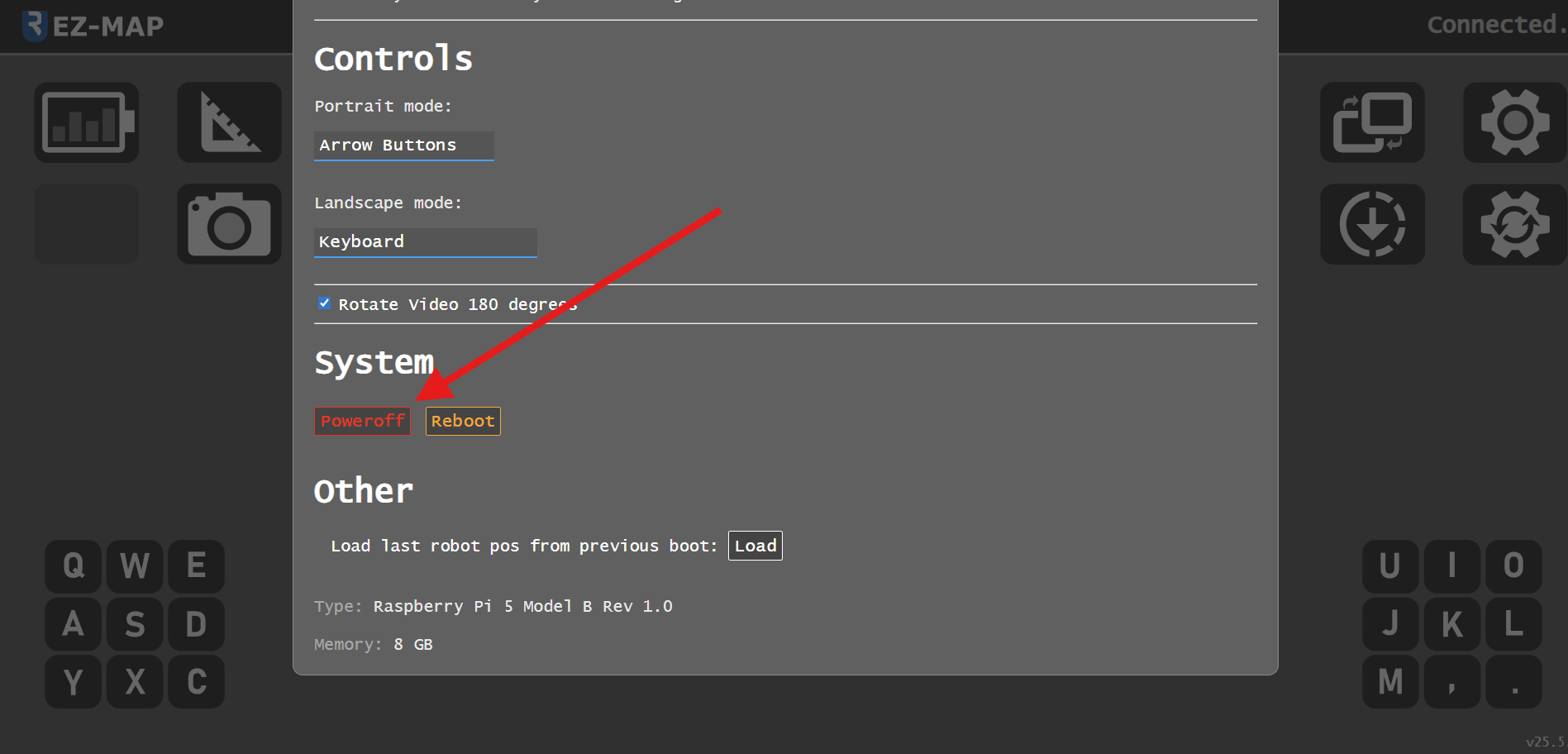
You can shut down the robot either from the GUI or from a terminal session connected to the robot.
Method 1: Shutdown from GUI
Method 2: Shutdown from Terminal
Open a terminal session connected to the robot (see Connecting to the Robot for details) and run:
sudo shutdown -h now
Step 2: Wait for Shutdown Complete
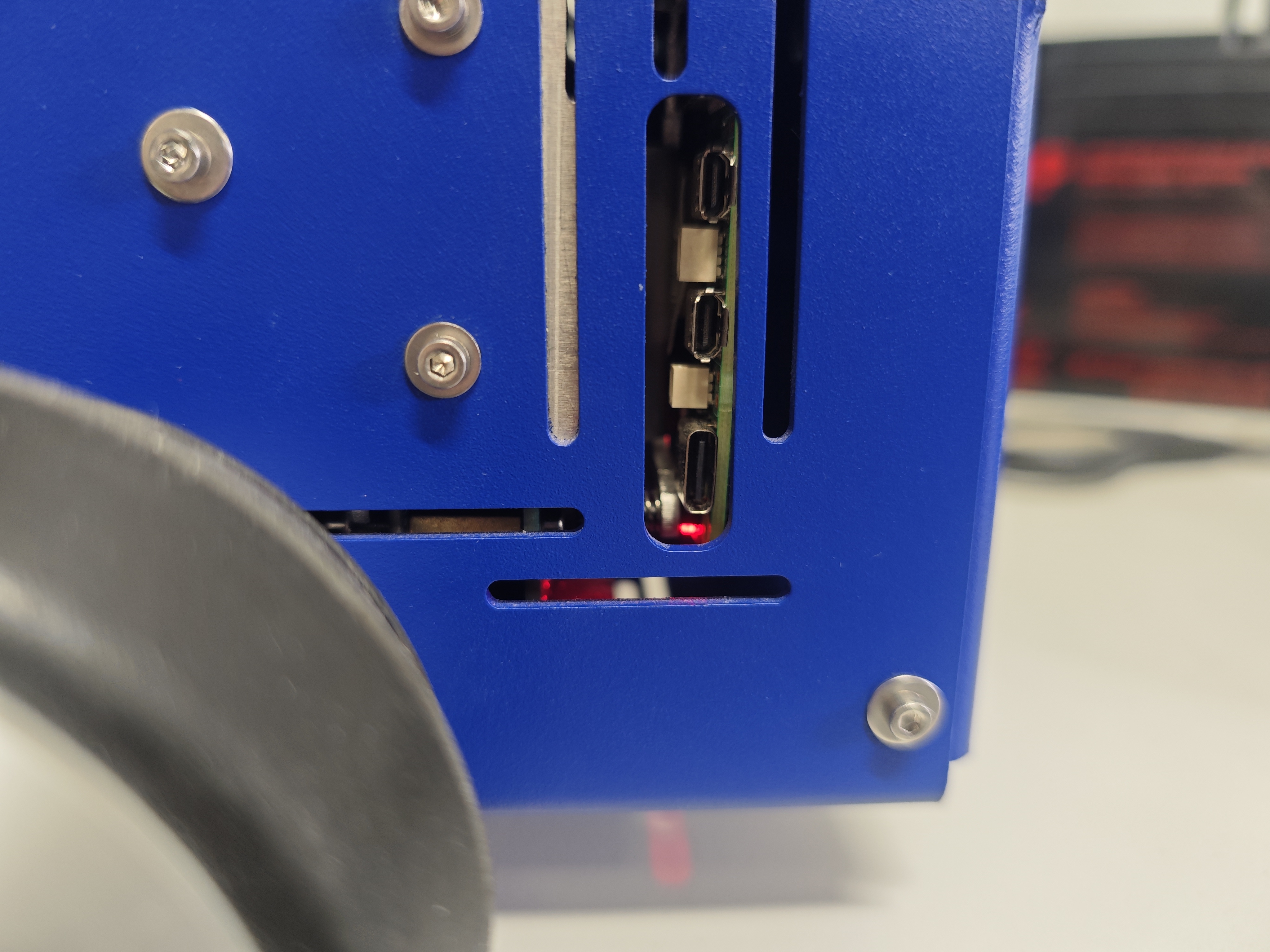
After issuing the shutdown command or selecting the shutdown option from the GUI, wait until the Raspberry Pi LED turns red. This indicates the system has fully shut down and all data has been safely written.
Step 3: Power Off the Robot
Once the Raspberry Pi LED is red, turn the robot off using the on/off switch.